
DKIM and SPF are all ways in which emails get validated and checked to see if they are legitimate. They both work in order to protect people from spoofed and fraudulent emails.
Below I will give a breakdown of how each work and simple analogies to understand them,
What is SPF?
SPF verifies that an authorised mail server sends an email message for the domain.
How it works:
- As a domain owner, you publish a DNS TXT record specifying which mail servers are allowed to send emails on behalf of the domain
- When a receiving mail server gets an email, it checks the SPF record to verify if the sending server is listed.
This stops people from from sending fraudulent emails, example below:
"v=spf1 ip4:192.10.10.0/24 include:mail.example.com -all"This record states that only IPs in 192.10.10.0/24 and mail.example.com can send emails for the domain.
What is DKIM
DKIM ensures the integrity of an email message and verifies that no one has tampered with it during transit, allowing the recipient to confirm they are receiving it from a legitimate person.
How it works:
- The domain owner generates a public-private key pair and publishes the public key in a DNS TXT record. (This is usually done by the provider)
- The domain owner adds this TXT or CNAME record to their domain’s DNS configuration.
When an email is sent using the cloud email provider, the provider’s server automatically signs the email with the private key.
The receiver then gets the senders public key by querying the senders DNS record added above and uses this to verify that the email signature matches what they have received, thus ensuring the email has not been tampered with
I appreciate this is a little more complex then SPF (Which is just checking if the sending is correct) so here is a example:
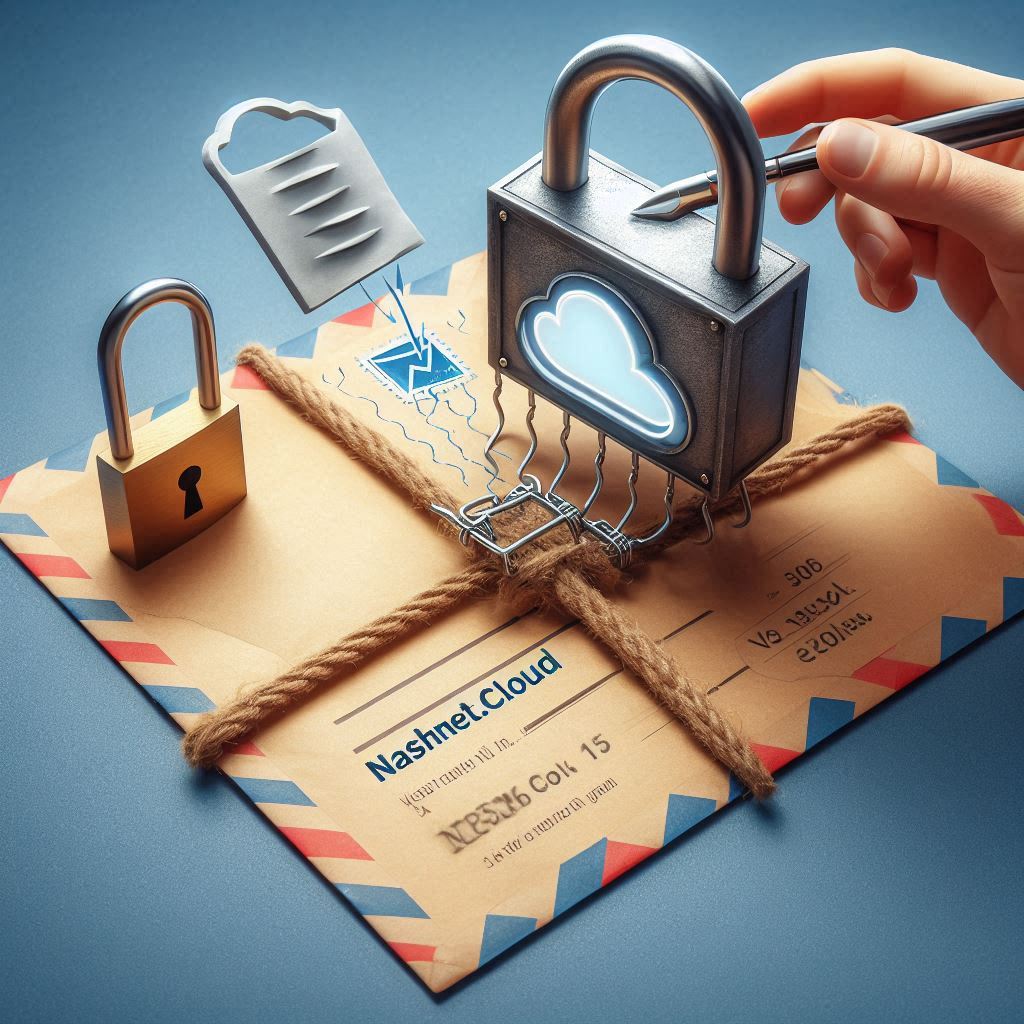
You write the letter (the email content) and prepare it to be sent.
Before sending the letter, you use your unique wax seal (private key) to seal the envelope.
This seal proves the letter is from you and make sure that nobody at all can alter the contents without breaking the seal.
You send the sealed letter through the postal service (the internet).
The recipient receives the letter and sees your wax seal on the envelope.
The recipient uses your public seal imprint, a photo of your seal (public key stored in DNS) to check whether the wax seal matches.
If the seal is intact and valid, they know it is from you and has not been tampered with.
Be sure to check out our other Cyber Security posts for more information:
Leave a Reply