-
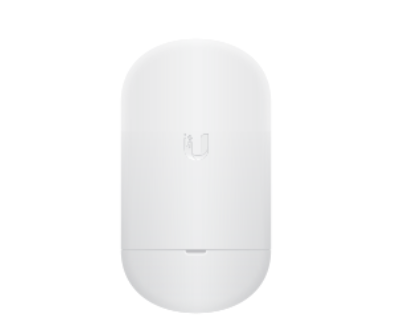
How to set up Unifi NanoStation Loco5AC
Below is how to set up a new Point To Point set up with Unifi. To begin open the quick start guide below: https://dl.ubnt.com/qsg/Loco5AC/Loco5AC_EN.html This may give you all you need to get started, but if not then please read on to learn how. Step One, The PoE adapter: Now…
-
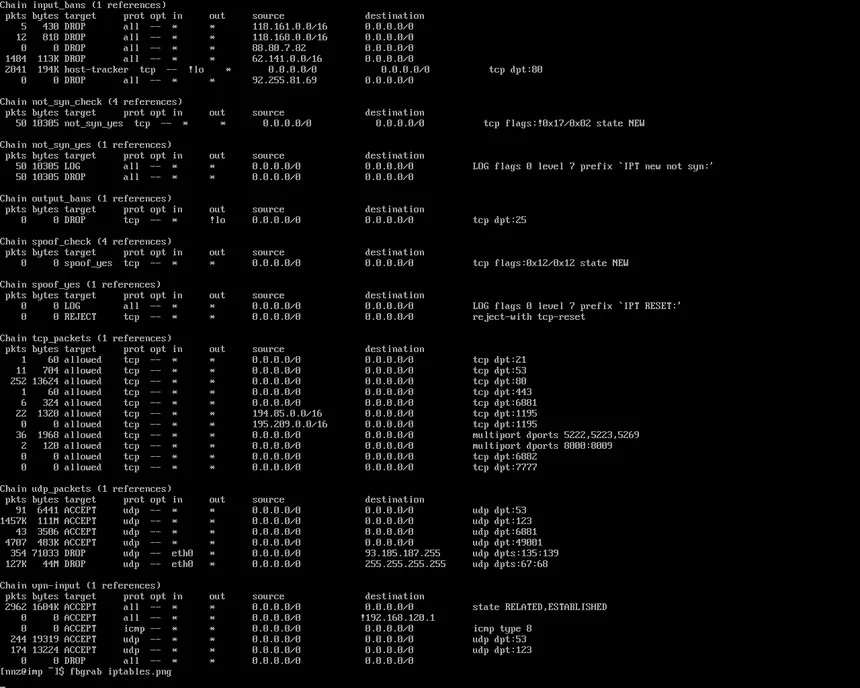
View IPTables blocks
To view iptables blocks, you can use the following commands: Below shows an example of using iptables -L -v -n:
-

Stacks not showing up in Portainer CE
This guide will show you how to potentially view stacks that have gone missing in Portainer. Problem: I have got 4 stacks that should show up in portainer however only 2 are showing correctly: The issue I was having was due to the other stacks becoming “Orphaned”, this can be…
-

How to install network wide AdBlock
There is two main ways in which PiHole can be installed. The first is barebones, installing PiHole directly onto a unix based system (Ubuntu in my case). The other and my personally preferred way is Docker. We will start with the barebones as it is a bit of a simpler…
-

How to install and set up UFW on Ubuntu
This is a guide on how to set UFW on a Ubuntu operating system. In this guide I will show how to allow a couple common ports but this can be changed based on your needs. Step One: (If not already installed) Install UFW sudo apt install ufw Step Two:…
-

How to fix Wi-Fi not appearing Windows
The below guide works on windows 8 and above. This guide is for if the Wi-Fi tab is not appearing like below: Step One: Press the windows button (⊞) and then type Device Manager and open Step Two: Once opened find the section that says “Network Adapters” and find the…
-

-